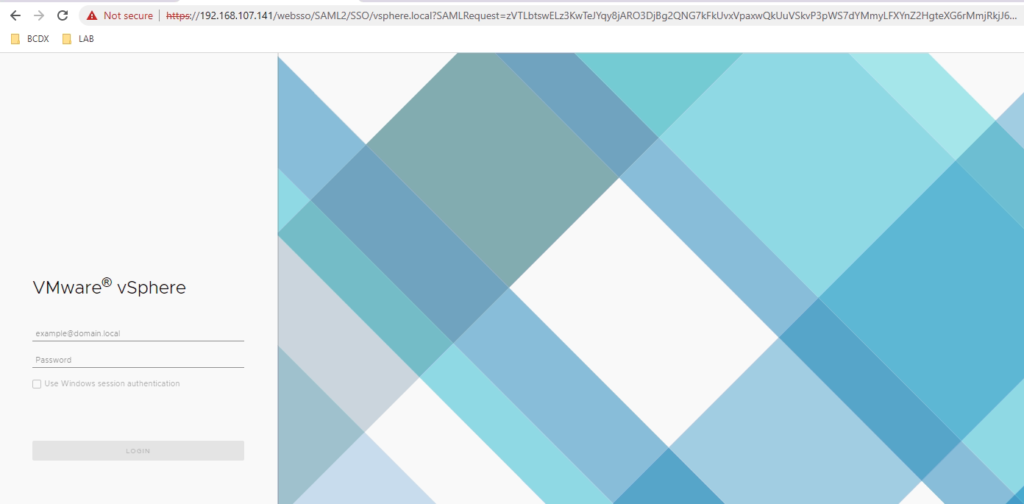
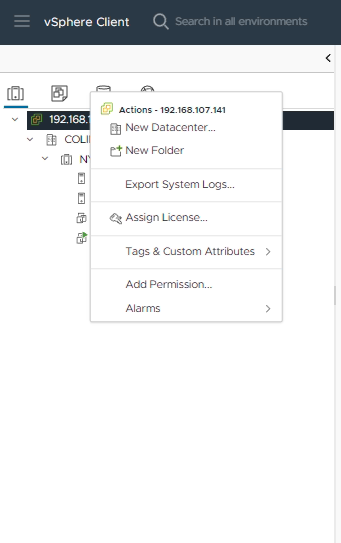
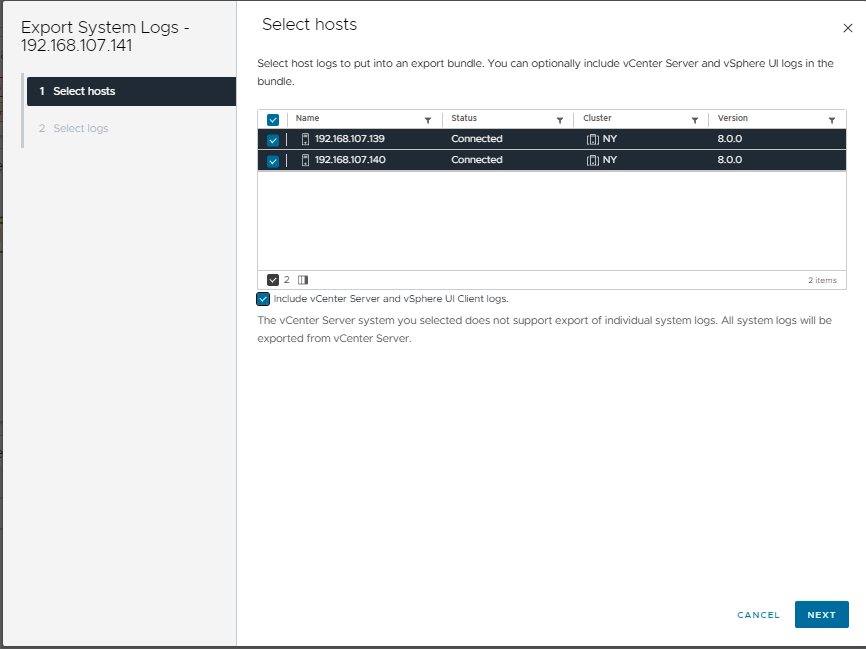
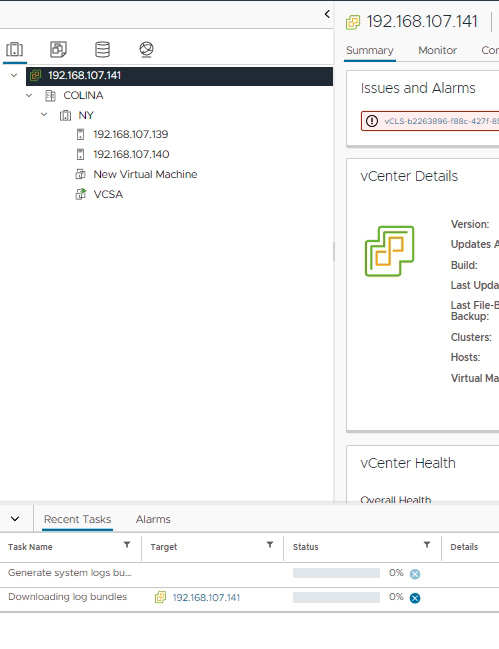
2. Right Click in VMware vCenter Server and then click Export System Logs
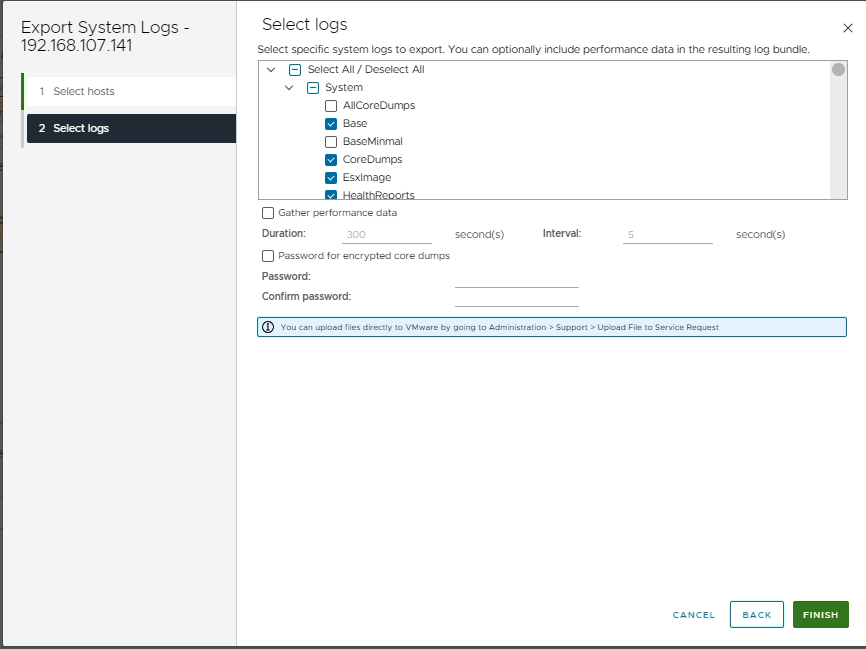
3. Select logs to export, as shown in the next picture.
4. Then click Next and Finish to start the export process.
5. Select a folder and wait to finish the export process.
Tu dirección de correo electrónico no será publicada. Los campos obligatorios están marcados con *
Comentario *
Nombre *
Correo electrónico *
Web
Guardar mi nombre, correo electrónico y sitio web en este navegador para la próxima vez que haga un comentario.