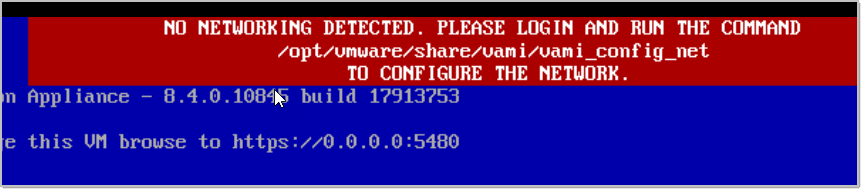
Get Configuration
/opt/vmware/share/vami/vami_config_net
Get the interface names with:
/opt/vmware/share/vami/vami_interfaces
Set the IP for the desired interface:
/opt/vmware/share/vami/vami_set_network eth0 STATICV4 192.168.17.17 255.255.255.0 192.168.17.1
Set DNS:
/opt/vmware/share/vami/vami_set_dns -d credivisa.local 172.17.0.23 172.17.0.24
Reboot the appliance and will be ready to use.
Tu dirección de correo electrónico no será publicada. Los campos obligatorios están marcados con *
Comentario *
Nombre *
Correo electrónico *
Web
Guardar mi nombre, correo electrónico y sitio web en este navegador para la próxima vez que haga un comentario.